Voice tracking
Speak naturally. Let the script follow your speech.
Look at the camera. Speak naturally. With voice tracking, iPhone recording and Apple Watch control, your script is always close.
No account. No sign-in. Just what you want to say.
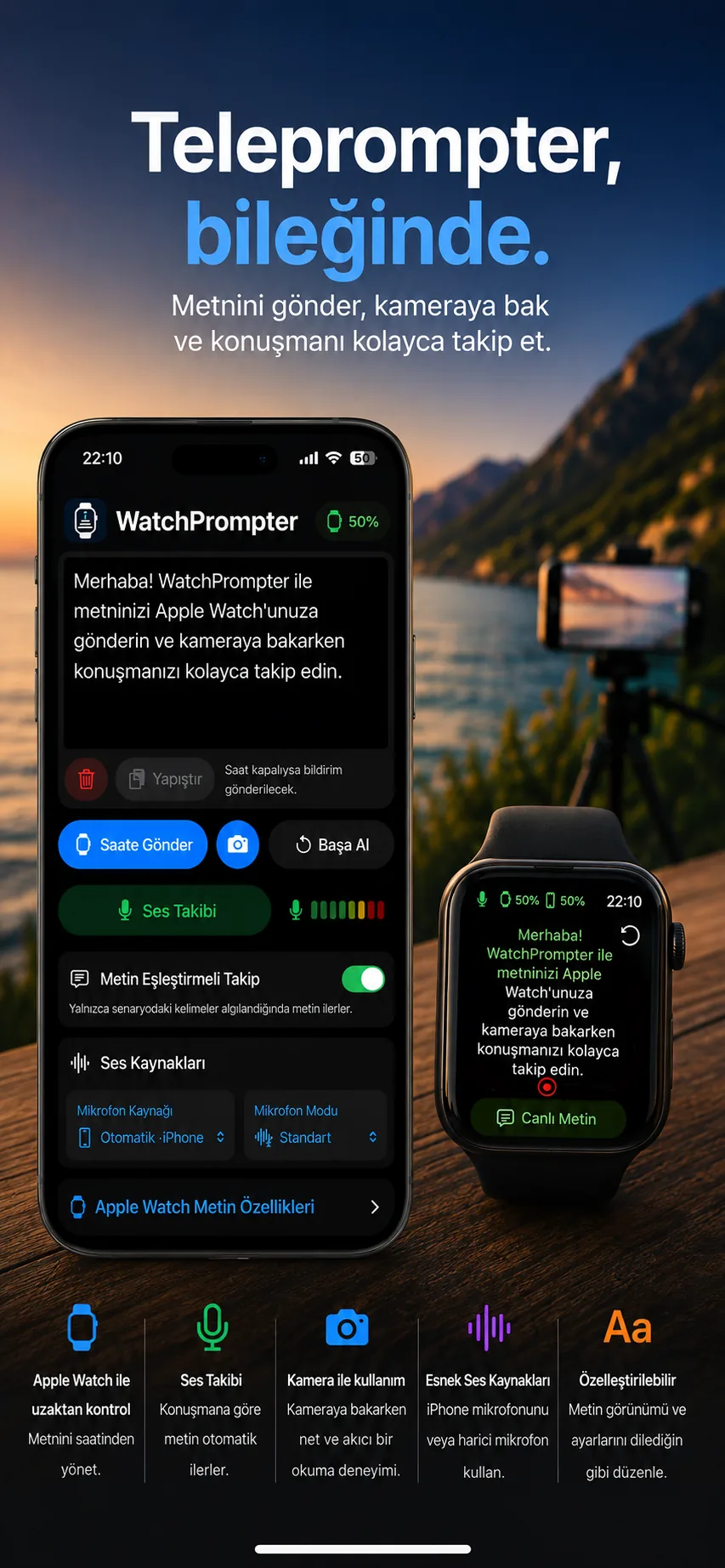 WatchPrompter app screens · shown in Turkish
Camera, voice tracking and Apple Watch: practical tools for your next take.
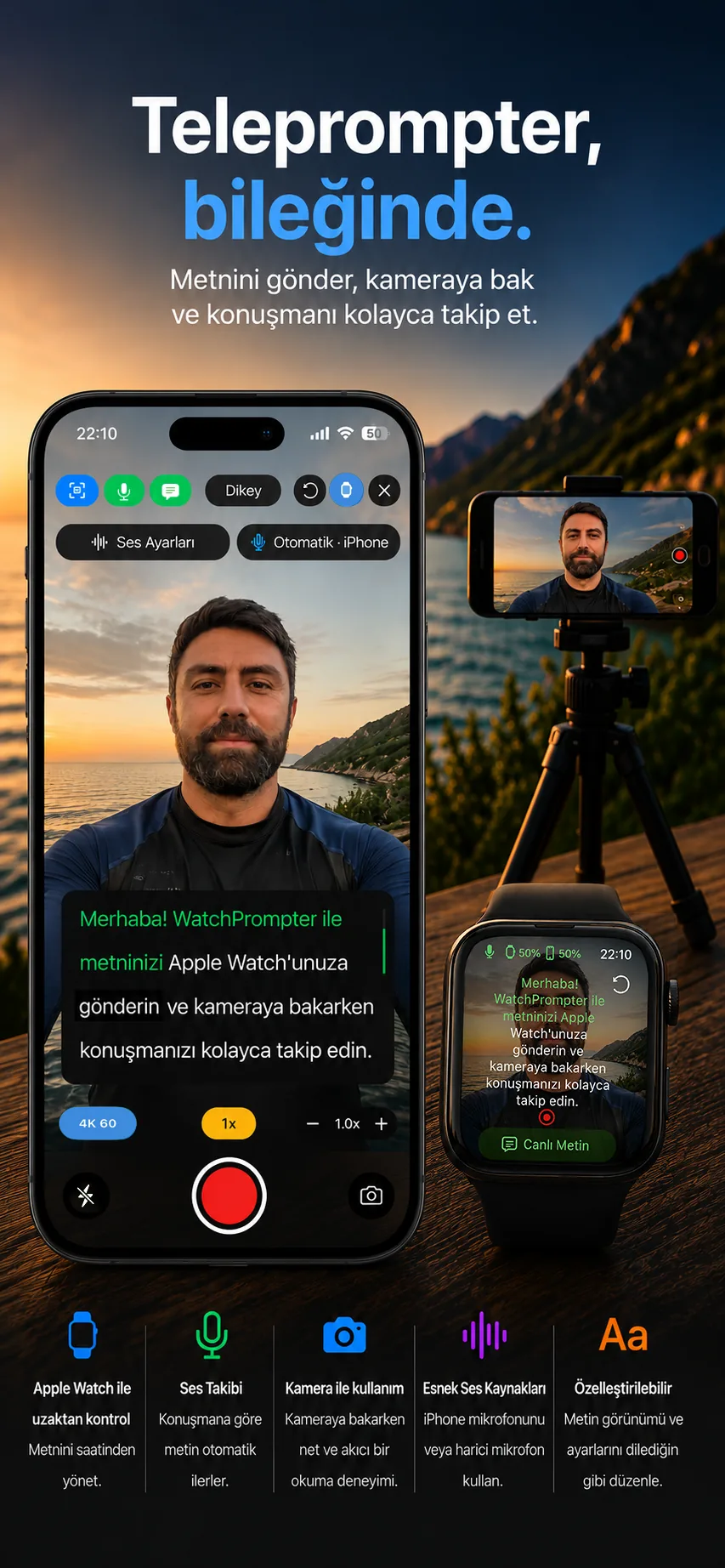
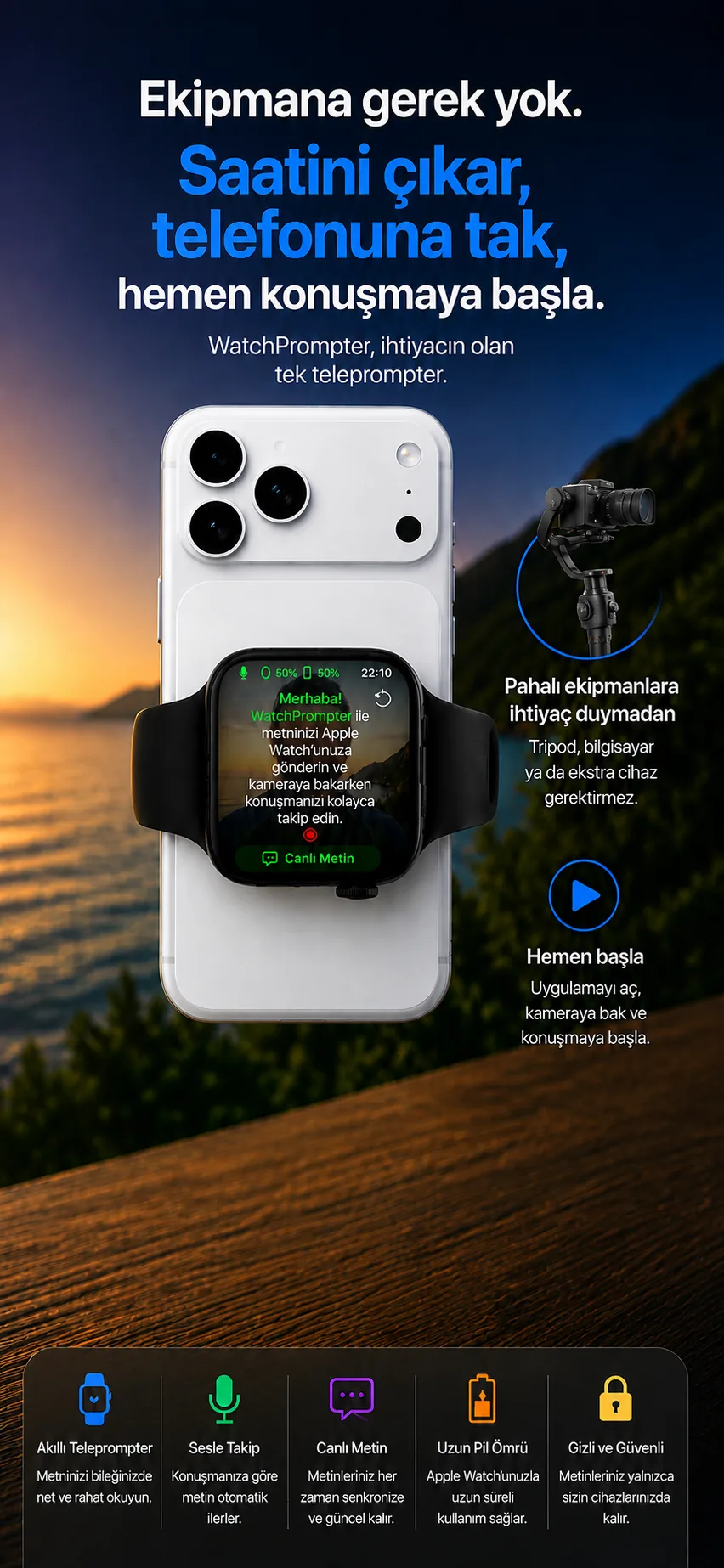
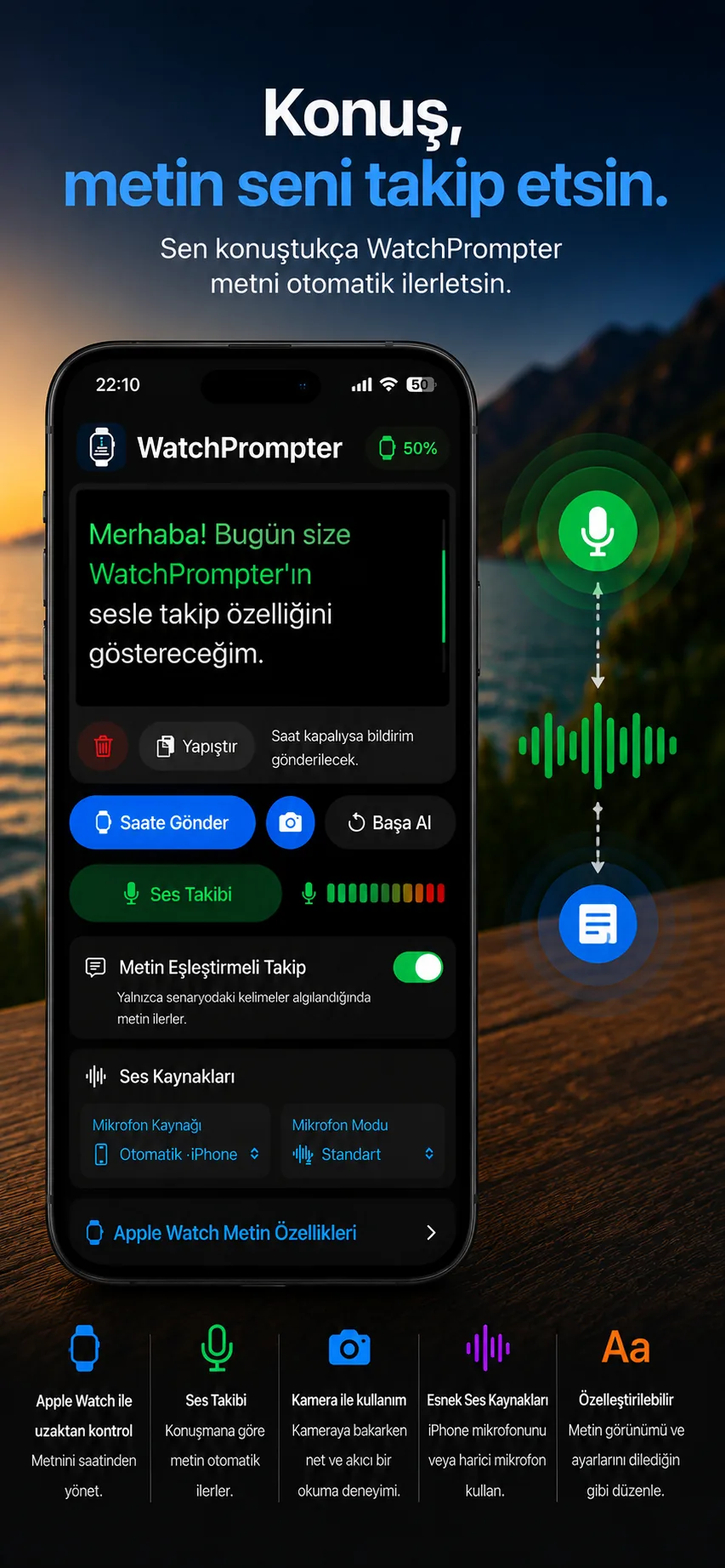
App screenshots shown in Turkish.
Speak naturally. Let the script follow your speech.
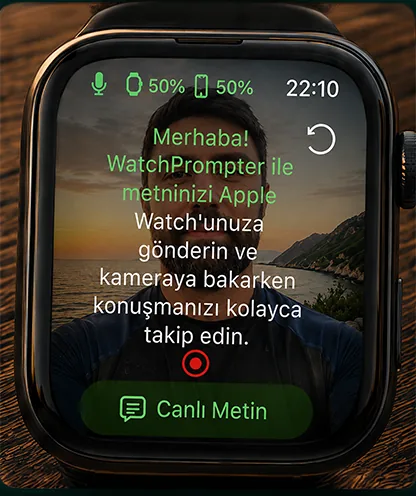
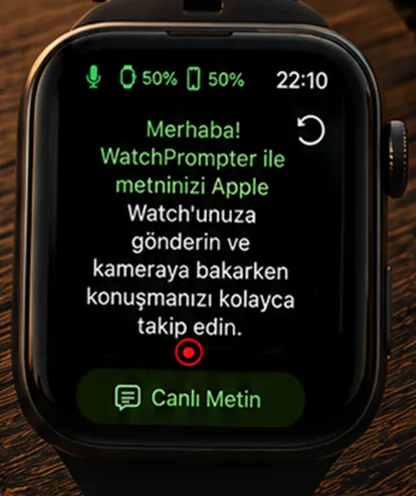
Send your script and control your take from your wrist.
Adjust scrolling to find your own pace.
Follow your script while recording on iPhone.
Write or paste your script and get ready to record.
Write or paste what you want to say on iPhone.
Use it on iPhone or send your script to Apple Watch.
Use voice tracking or adjustable automatic scrolling.
Read your script on your wrist and control scrolling with the Digital Crown. See your iPhone camera preview, then start or stop recording from your watch.
Keep your message flowing for YouTube and social media.
Speak with your key points close at hand.
Deliver lessons and explanations as you planned.
Follow your prepared words at your own pace.
Yes. Use the camera and teleprompter together on iPhone. Apple Watch adds wrist-based reading and control options.
Voice tracking and word recognition advance the script based on your speech. You can also use adjustable automatic scrolling.
Yes. View your iPhone camera preview on Apple Watch and start or stop video recording.
No. WatchPrompter does not require an account or sign-in.
Visit the App Store listing for current pricing, in-app purchases and device requirements.
Prepare your script. Look at the camera. Start speaking.
Download on theApp Store